Stories
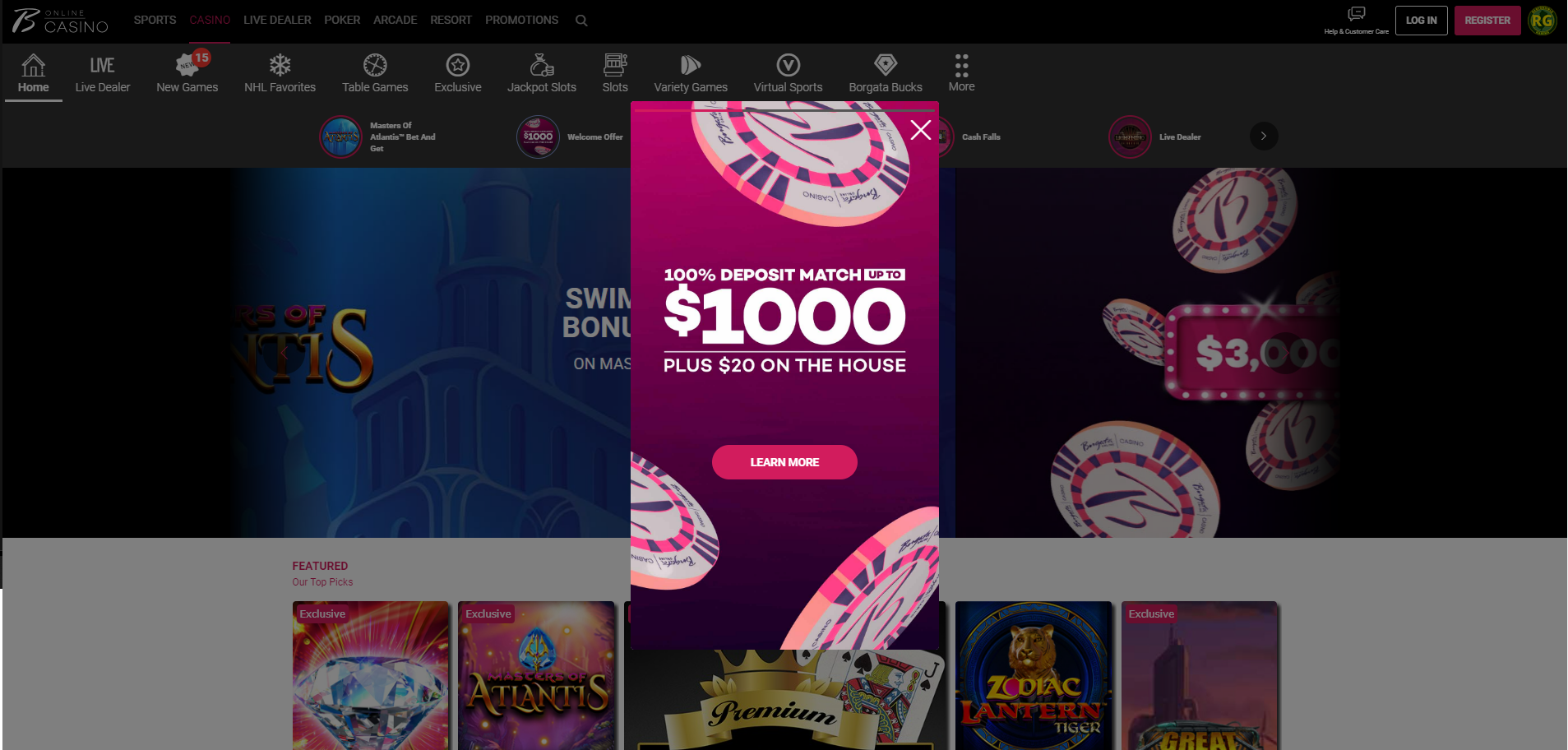
Building the Story
Casino stories has two components, InstaContainer and StoryContent.
At the moment, only Borgata NJ has the Stories feature.
StoryContent
Content > Vanilla.Mobile > m2.borgataonline.com > MobileCasino-v1.0 > InstaStories > StoryContent
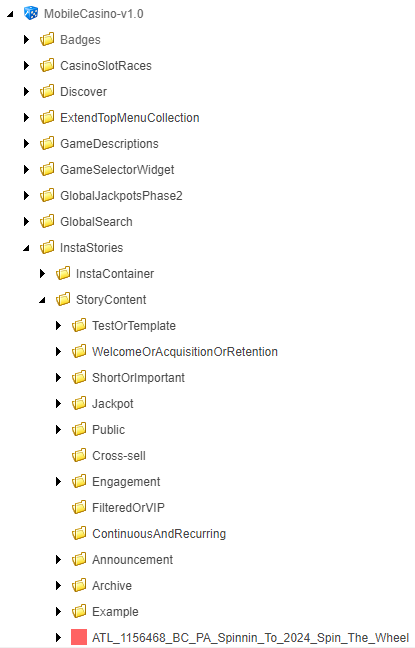
Duplicate any component, and rename it to your ticket.
StoryContent has 2 child components, CSS and HTML.

Naming convention for "Stories" are no spaces, and no special characters except underscore, '_' .
CSS
Edit the backgroundImage parameter, fill the "1080x1920-Stories" media link.

HTML
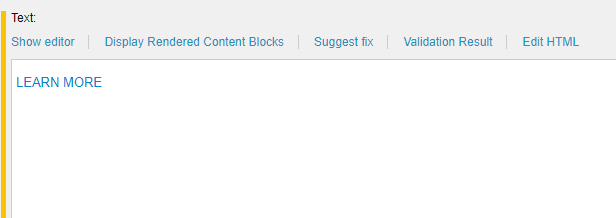
Edit the 'HTML editor', set the same CTA for Carousel/ODR Banner.
<div class="casino-background-image-section">
<div class="img-promo-container">
<div class="imgbackground">
<div class="story-text">
<div><br></div>
</div>
<div>
<div class="optinBtn">
<a href="!!M2.Portal/mobileportal/promotions/casino/url" class="btn btn-primary more-info-btn">LEARN MORE</a>
</div>
</div>
</div>
InstaContainer
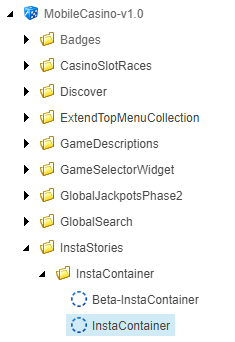
Content > Vanilla.Mobile > m2.borgataonline.com > MobileCasino-v1.0 > InstaStories > InstaContainer > InstaPromotions
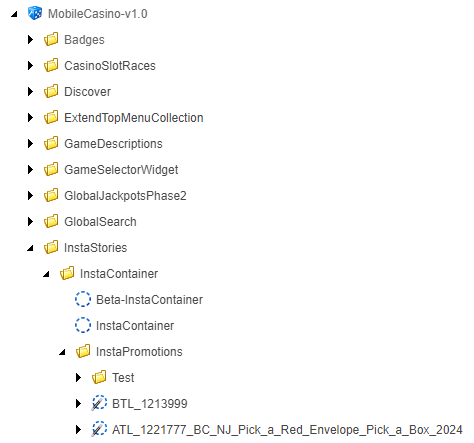
Duplicate any component, and rename it the same as the StoryContent component. Also rename the child component as well.

Parent
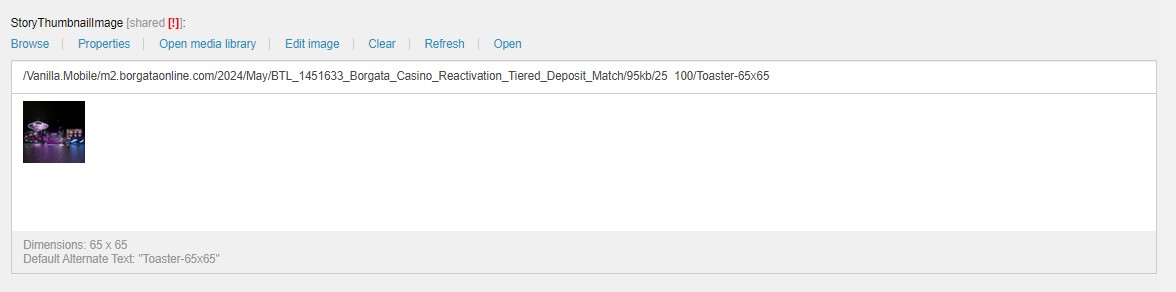
- Fill the
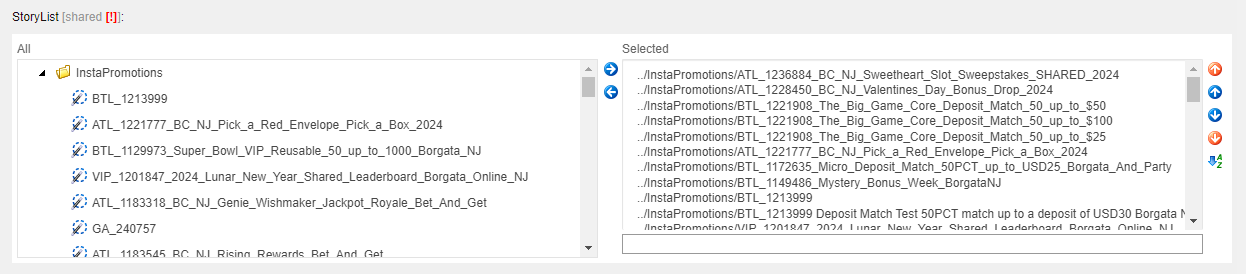
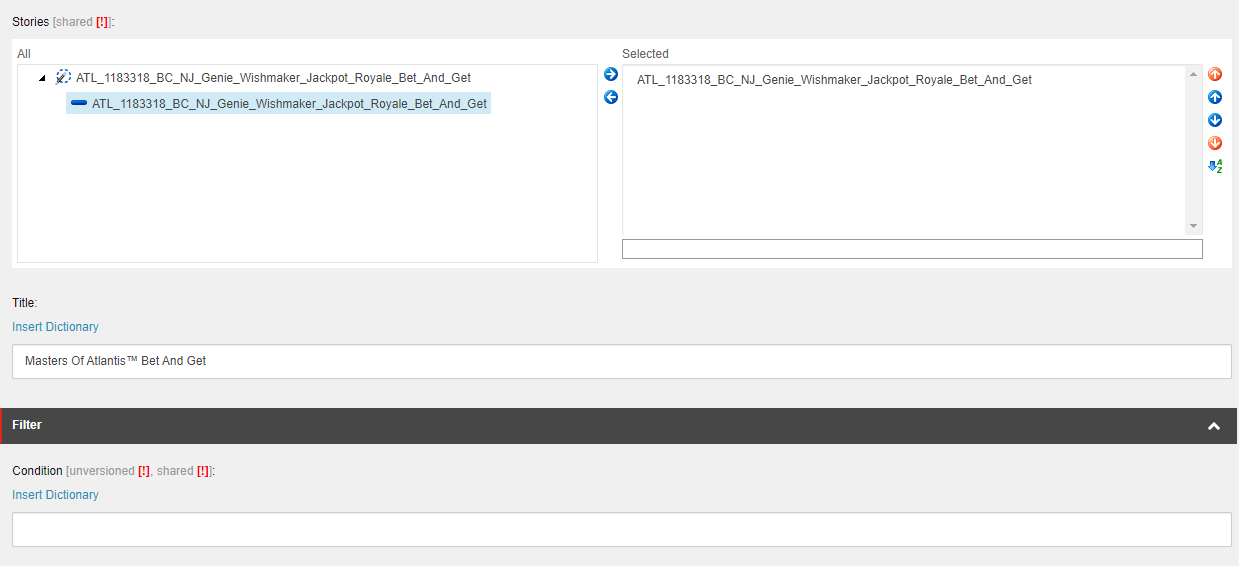
StoryThumbnailImagewith the "Toaster-65x65" or "Story-Toaster-65x65" media URL. - In Stories section, select your child component and push it to selected.
- Fill the
Titlewith Promohub H1. - Fill the
Conditionwith your QA filter.
Child
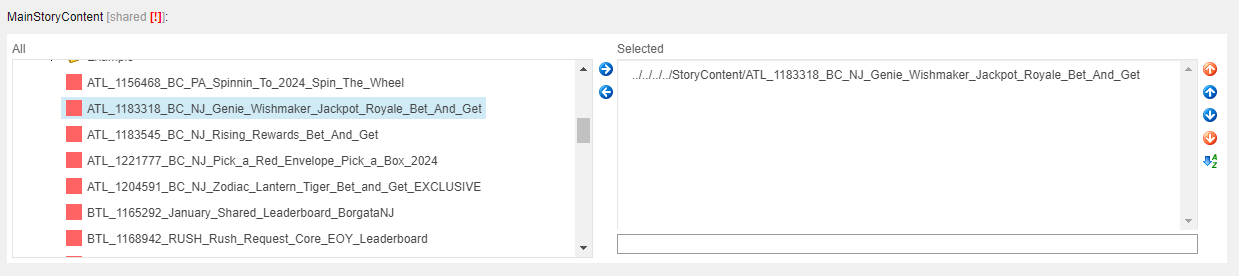
In the MainStoryContent, find and select your newly created StoryContent.
Publishing The Story
Like in Casino Carousel, we push the Stories to publish.
Content > Vanilla.Mobile > m2.borgataonline.com > MobileCasino-v1.0 > InstaStories > InstaContainer > InstaContainer