ODR Banner
Sitecore Path
Content Editor > Clients > m2.state.label > Casino > Teasers > Repository
The ODR banner is usually (but not always) needed for casino builds that include a carousel component. Aside from carousels (and more recently, InstaStories), ODR banners are the only other components that have to be scheduled.
How to build
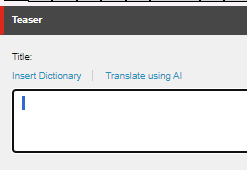
Title
Add a space on the Title field. This is required in order display the banner.
Links
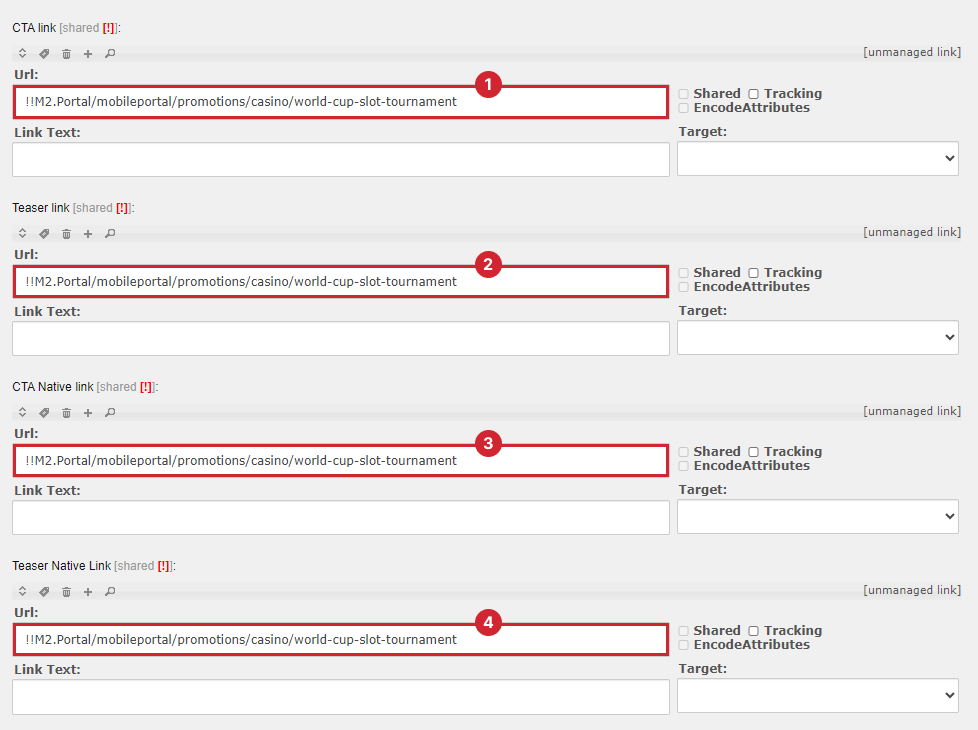
- Go to the Sitecore path for your respective state and label.
- Find the component named
ODRBanner-ImageOnlyTitleEmptySpaceTEMPLATEand duplicate it. For the name, use "ODRBanner-" followed by your ticket name. - Under the Links section, update the four links with the MPP smartlink OR the URL provided with your ticket.
- In the Background section, update the background image, usually with a file named "ODR Teaser BG Image - 900x450". Make sure "Show background image" is checked.
- Under Publishing tab, clear Publish and Unpublish fields, and make sure "Never publish" is checked. No need to add a QA filter.
Note
Press Ctrl+F then type "imageonly" to find the template component faster.
Note
Make sure TeaserProperties > IsEmbeddedTeaser is NOT checked! This is only used for embedded ODR banners.
No Need to Add Filter
For a while ODR Banners are added a filter of Device.IsIOS AND NativeApplication.IsNative. For future build there is no need to to add this.