Optimized Teaser
The Optimized Teaser will be the new main attraction of the Casino Page in selected states replacing the Casino Carousels.
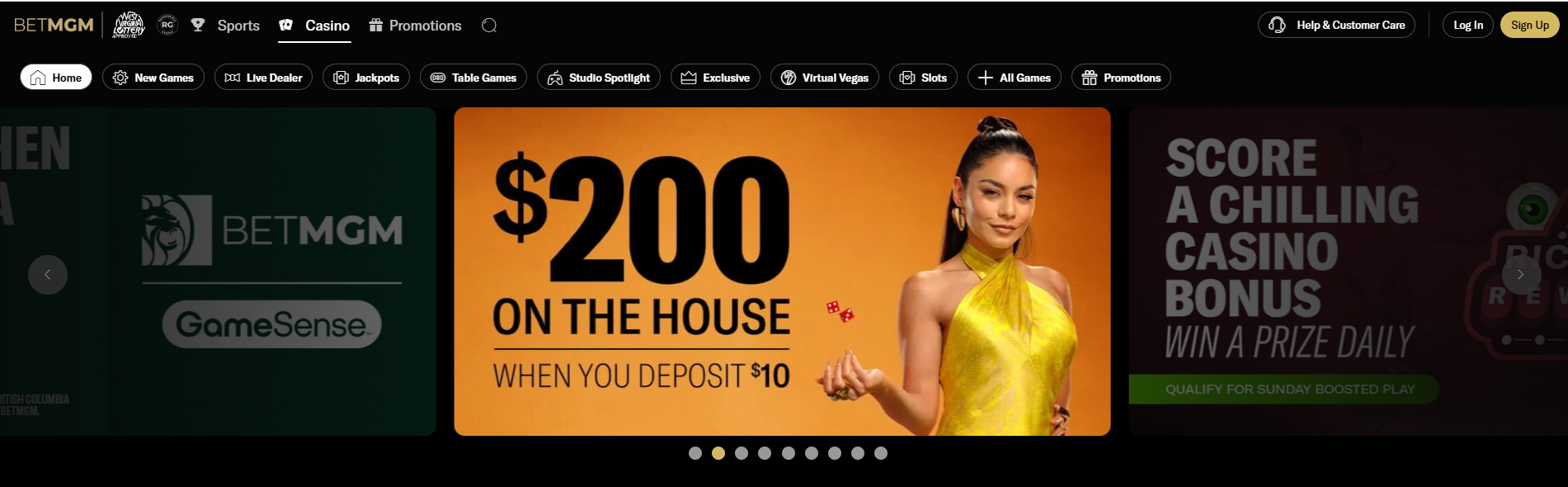
Creating Optimized Teaser
To create an Optimized Teaser, navigate first to its directory:
Sitecore Path
Content > Vanilla.Mobile > State/Brand > MobileCasino-v1.0 > OptimizedTeasers > TeaserItems > Live_Folder
Duplicate one of the Optimized Teaser.
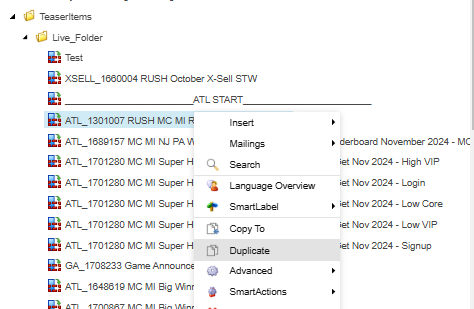
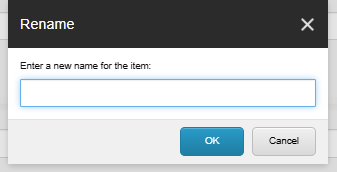
Then rename the duplicated item with the Ticket name.
Parameters
Edit the link-url parameter into the CTA smartlink of your ticket.

Filter
Add your QA filter just like in the Casino Carousel.

Imagery
Fill the Background Image with the "ODR - Teaser BG Image - 900x450" media URL.

Previewing the Optimized Teaser
To preview your Carousel go to your Product and State Website and then add your filter.
See example below:
https://casino.nj.betmgm.com/en/games?qa=manila