Claw Machine
- Prize Tool - You'll find this in the Documents section of your ticket's Workfront.
- Box - Look for the
Claw Machine Assetsfolder in the ticket's creatives.
Teaser
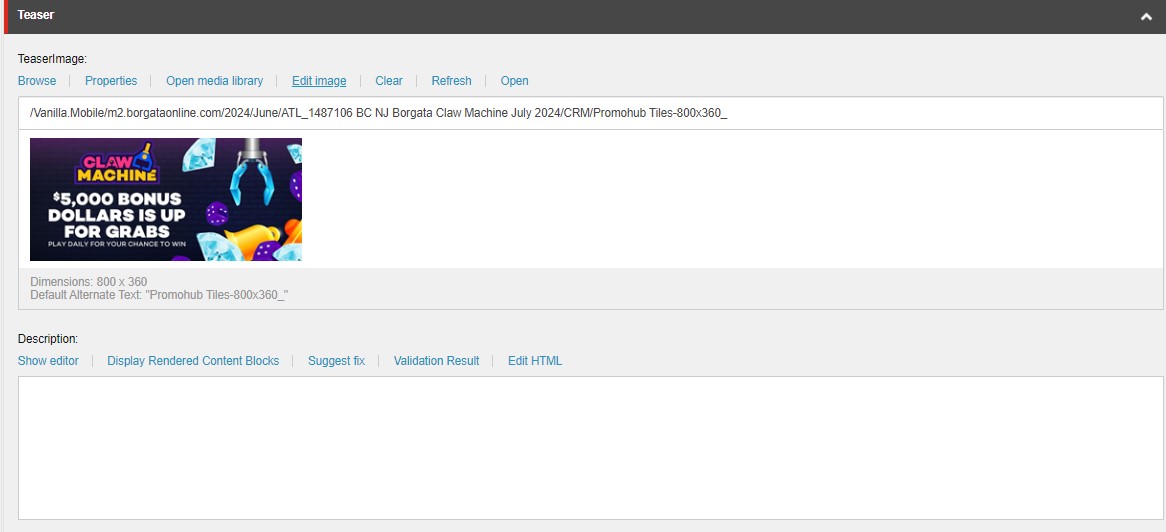
The Teaser section in BAU PATs is replaced by the Promo Hub Tile section in engagement PATs. Place the Promohub Tile image (hint: the one with the text) on the Image field. In the Description field, place an empty <p></p> tag.
Rewards
This section is where the contents from the Prize Tool document will be placed. Each row will contain a description that contains a message and a CTA to direct the user to either claim or use the reward that has been granted to them.
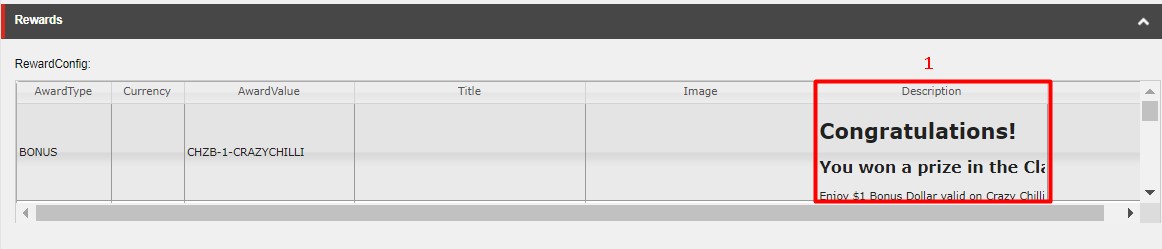
Most Engagement tool usually has a Title and Image along with the Description but in the case of Claw Machine, there's no need to add that since it has already been added in the Claw Machine Layout.
- Description - The
Descriptioncolumn's value will be the value from thePRIZE DESCRIPTIONcolumn from thePrize Tooldocument, but it should be inserted in the HTML format shown below, just replace the appropriate value to be the same from yourPrize Tooldocument.
<div class="overlay-header">
<h1 class="mb-1 mt-0">Congratulations!</h1>
<h2 class="mb-2 mt-1">You've won: $1000 Online Open Hybrid Tournament Ticket</h2>
<p class="mb-2">Register in our tournament lobby for the Online Open Hybrid Tournament</p>
<p class="mb-2">Tickets expire after 90 days. T&C's apply.</p>
<div class="mt-2">
<a rel="noopener noreferrer" class="btn btn-primary" href="{Reward CTA URL}">{Reward CTA Text}</a>
</div>
</div>
See the CTA guide to use the correct CTA for each description.
Terms
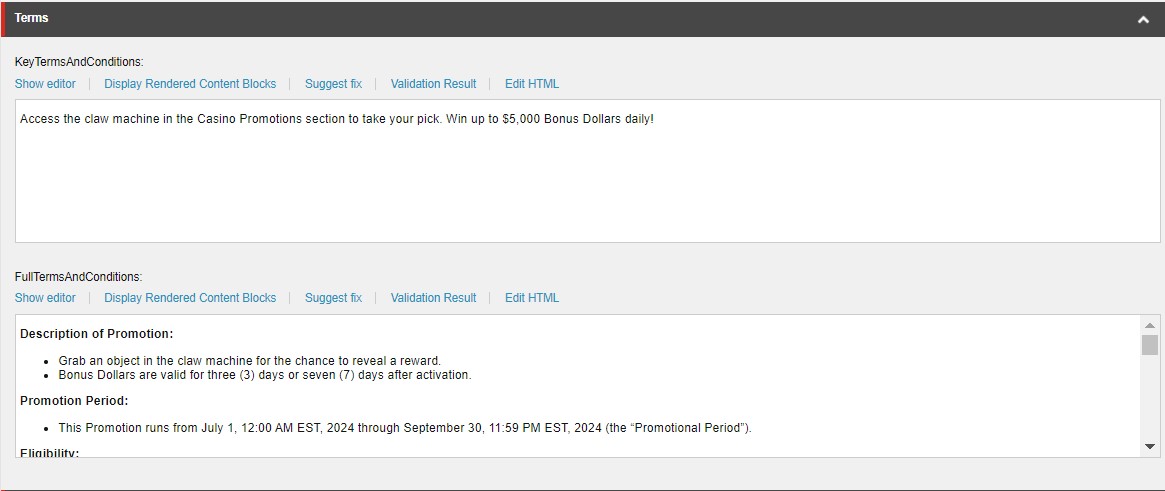
KeyTermsAndConditions
The value for this field will be from the Promo Hub Key Terms > Short Summary from the copy.
FullTermsAndConditions
Place the same Terms and Conditions content you have placed for the MPP or Rest ID components if you have created any. For a full guide see this section.
Overlay
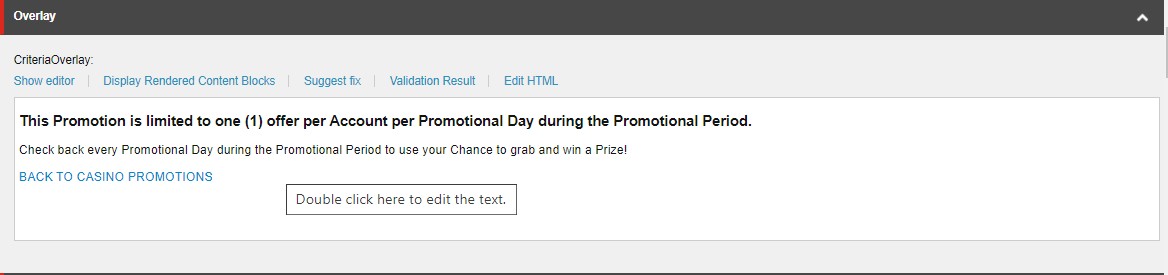
Place the HTML content below for this field and replace the correct description from the Overlay Description from your copy document.
For the CTA, use the appropriate home link depending if this PAT is for a Casino or Poker promotion ticket.
<h3 class="mb-2 mt-1">This Promotion is limited to one (1) offer per Account per Promotional Day during the Promotional Period.</h3>
<p class="mb-1">{Overlay Description}</p>
<p><a href="{Poker or Casino Home Smartlink}" class="btn mt-1"
    style="background-color: {Brand Color Hex}; color:#ffffff;">BACK TO {POKER | CASINO}</a></p>
<style>
  .ptb .spin-result-dialog .overlay-content {
    text-align: center;
  }
</style>
See the CTA guide to use the correct CTA for each description.
CTA

- URL - Place the link to the game with the PAT ID of the same PAT you are working on currently
!!M2.Promo/ep/r/{Claw Machine Layout Name}?Id={PAT ID}
- Link Text -
"Grab Now"is the common CTA Text for Claw Machine.